Map it. See it. Back it up.
1
MapFirst, map everything you have.
- Install Rawbunker on your laptop. It finds every photo there within minutes.
- Plug in your drives and NAS, one by one. Each one joins the map as it's found.
- Copies are recognised. A folder found on two drives counts as one folder with two copies.
0photos found
Your laptop2026 shoots
Desk SSD2024 to 2026
Blue SSDin a drawer
Your NASeverything
2
SeeSee where you stand.
- Every folder, every copy. See where each folder lives and how many copies it has.
- Drives in a drawer count too. An unplugged drive stays on the map, with the date it was last checked.
- See what's at risk. Folders with only one copy are marked in amber.
- Know what to do next. "112 folders have one copy. Copy them to Desk SSD."
- Every photo on your phone, as pictures, drives plugged in or not.
Laptopconnected
Desk SSDconnected
Blue SSDlast seen Oct 2 · checked
Deep archiveup to date
2,140 folders2,028 with two copies or more112 with one copy

Wedding, Lake Como27 Sep 2026 · 3,412 photos
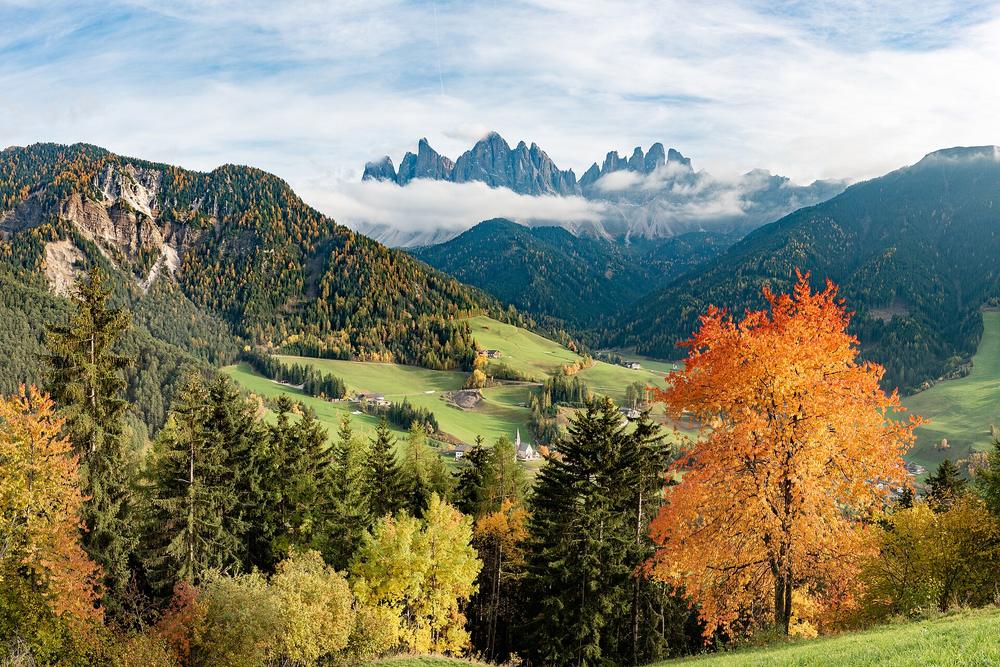
Dolomites, autumnOne copy · laptop only
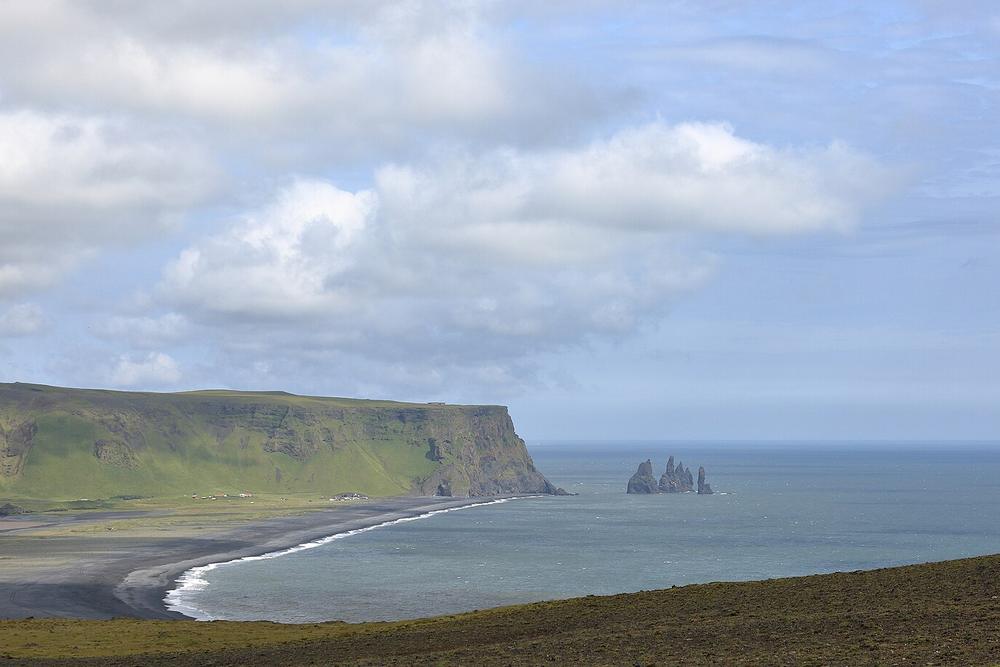
Iceland road trip3 Mar 2024 · on Blue SSD, in a drawer
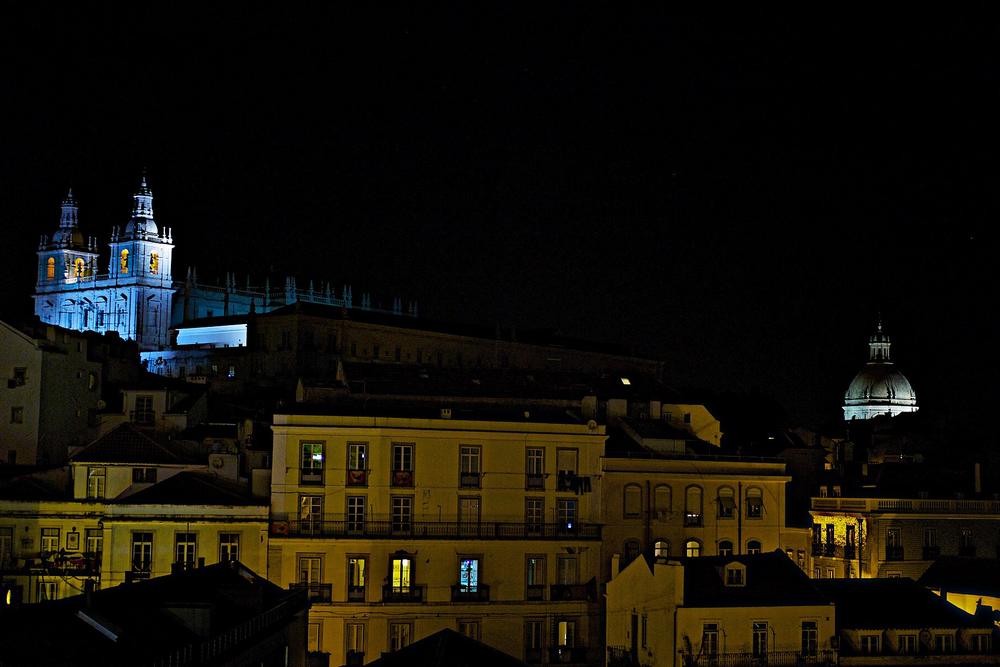
Street, LisbonOne copy · Blue SSD, last seen Oct 2
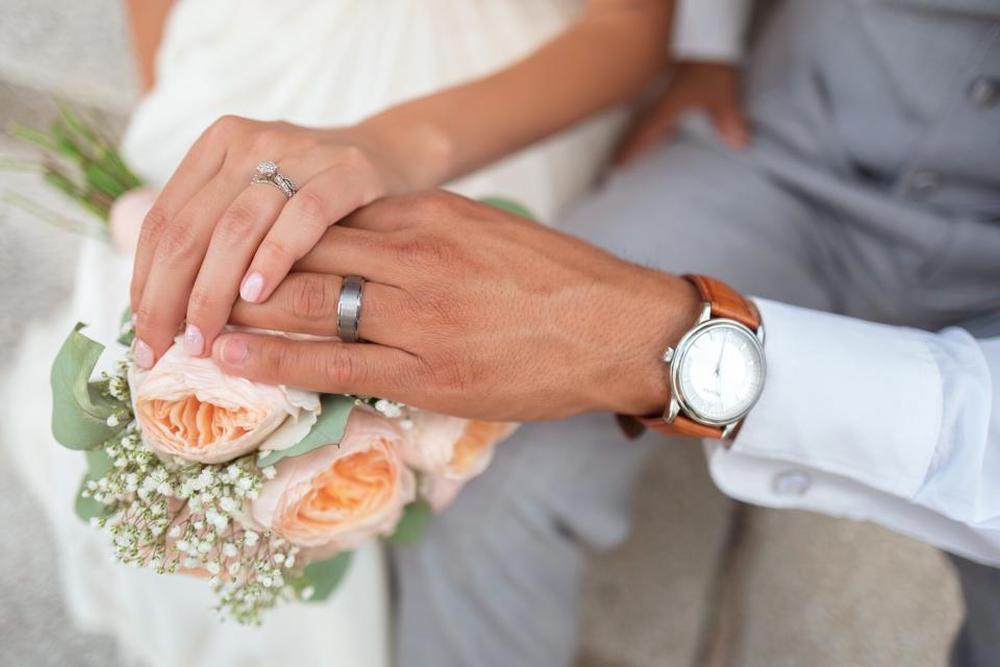
Wedding, Tuscany11 Jun 2019 · 4,020 photos
112 folders have one copy. Copy them to Desk SSD (1.1 TB free).
3
Back upThen, your backup runs automatically, the way you want.
- Set your workflow once: how many copies, where each lives, and what each keeps.
- Choose when it starts: as soon as a shoot lands, after culling, or after editing.
- Every copy made for you, at that moment, with no button and no schedule.
- Every copy checked: against the original, and again whenever a drive comes back.
- Get anything back: from your drives in seconds, from the deep archive by next day, free.
Wedding, Lake Comonew shoot
Your laptopwhere it lands
after culling
Your drives
then
Deep archive
ImportCullEdit